WordPress vs Next.js for small businesses: what's actually better?
Roughly 4 minute read by Les

If you've asked a few developers to quote for a new website, you've probably heard two very different recommendations. Some will build on WordPress. Others, me included, will often suggest Next.js. Both can produce a good website, so which one is right for a small business?
I've built with both, and I've moved businesses off WordPress and Shopify onto Next.js, so this is meant as a fair comparison rather than a sales pitch. WordPress is the right answer for some businesses. Here's how to tell whether it's right for yours.
What they actually are
WordPress is a content management system that runs a huge share of the web. You pick a theme, add plugins for the features you need, and edit everything from one dashboard. It's been around since 2003, so there's a plugin for almost anything.
Next.js is a modern framework for building websites in code. On its own it has no editing dashboard, so it's usually paired with a content management system such as Sanity, which gives you a clean, simple place to edit your pages. The site is built for your business rather than bent into shape from a theme.
Speed
Speed matters because people leave slow sites, and Google takes it into account. A typical WordPress site loads a theme and a stack of plugins on every page, much of it code you never use. It can be made fast, but it takes work, and it tends to slow down again as plugins pile up.
A Next.js site only sends what each page needs, and pages can be built in advance so they load almost instantly. Two of the sites in my case studies score 100 for performance on Google's PageSpeed Insights desktop test. I've written more about why a slow website costs you customers.
Security and maintenance
Because WordPress is so popular, it's the most targeted platform on the web. Most hacks come through out-of-date plugins and themes, so a WordPress site needs regular updates, and an update can sometimes break something. If nobody is looking after it, it's a risk.
A Next.js site has no public login page on the site itself and far fewer moving parts, so there's much less for attackers to aim at. Your content lives in a separate, secured CMS. It still needs looking after: Next.js and the code it relies on get security updates too, and they need applying. But it's a short, predictable job rather than a stack of third-party plugins. If your WordPress site has already been compromised, start with my guide on what to do when WordPress is hacked.
Editing your own content
This is where WordPress has a real strength. Lots of people already know the dashboard, and page builders let you drag things around freely. The flip side is that it's easy to break a layout, and the dashboard fills up with plugin menus over time.
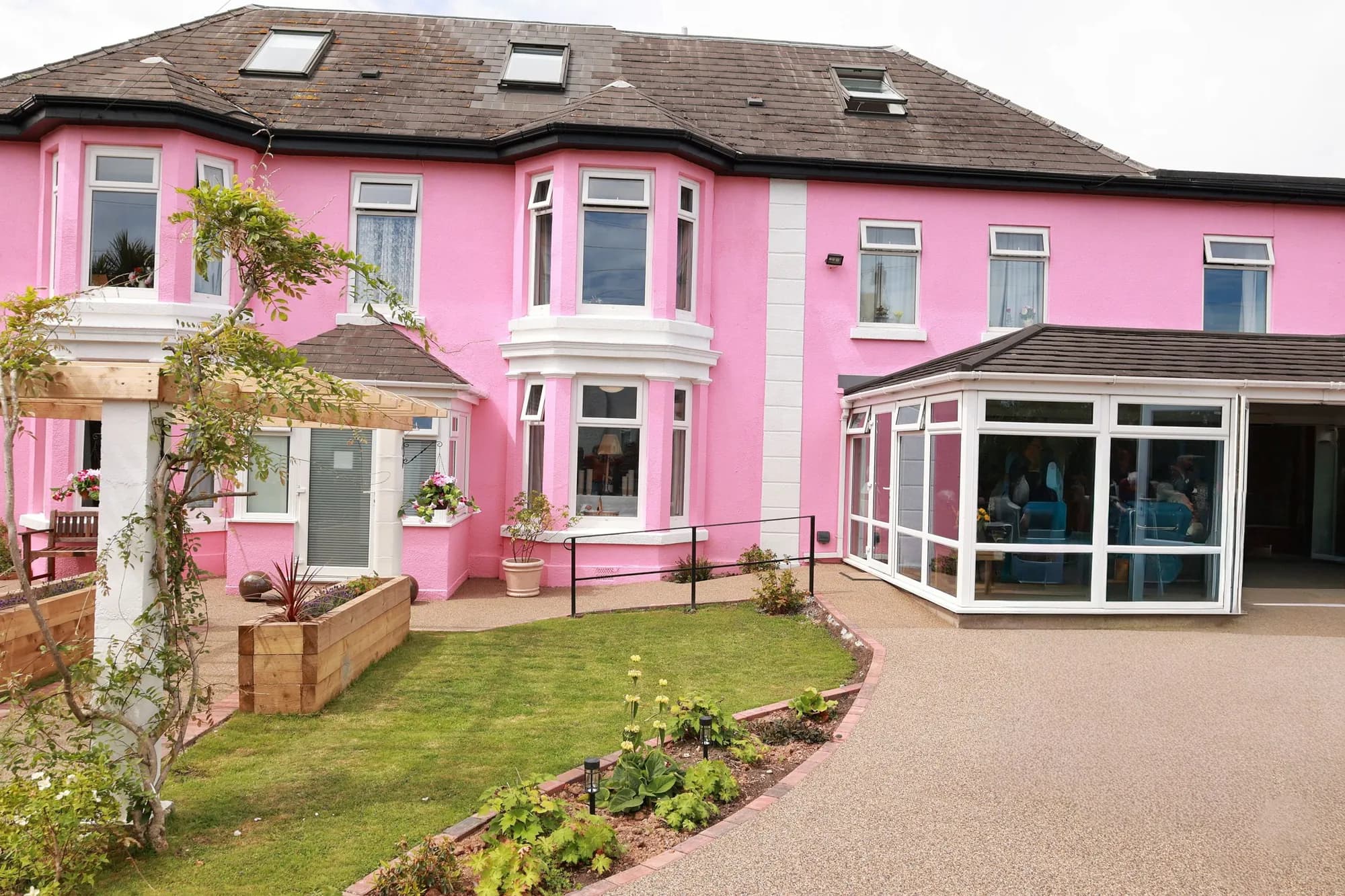
With Next.js and a CMS like Sanity, editing is built around your content. Staff fill in clear, simple forms for things like a treatment, a job vacancy or a news post, and the design takes care of itself, so nobody can accidentally break the page. For Belmont House Care Home in Brixham, I replaced an old WordPress site with Next.js and a custom Sanity CMS, and the team now update their care pages, gallery, news and vacancies themselves.
SEO
Both can rank well. WordPress has popular SEO plugins that make the basics easy for beginners. Next.js gives a developer full control over page titles, structured data, sitemaps and speed, and that control is what separates a site that ranks from one that just exists.
For Maverick Aesthetics in Torquay, every treatment has its own page written to rank on Google, plus a blog and an online store, all managed in Sanity. That kind of structure is possible on WordPress too, but it's easier to keep clean and fast when the site is built around it from day one.
Costs
WordPress itself is free, and a template site can be cheap to get started. The ongoing costs come from premium plugins, theme licences, hosting that can cope with the load, and the time spent on updates and fixes.
A hand-built Next.js site usually costs more up front, because it's built for you rather than adapted from a theme. In return, there are fewer licences to pay for and less upkeep, and it's built to win enquiries from the start. For United EV, moving off Shopify to Next.js removed the monthly Shopify fees altogether. For more on what drives the price, see how much a website costs in Torbay.
So which should you choose?
WordPress can make sense if
- You want to build and manage the site entirely yourself.
- You need a specific plugin that does exactly what your business needs.
- You have someone keeping it updated and backed up every month.
Next.js is usually better if
- You want a site that's fast and stands out from the templates.
- Getting found on Google is how you win customers.
- You'd rather not deal with plugin updates and security worries.
- You want to edit your content easily without being able to break the design.
My honest take
For most small businesses in Torbay that rely on being found on Google, I recommend Next.js with a simple CMS. It's faster, more secure and easier to look after. But if WordPress genuinely suits you better, I'll tell you, and I can fix, speed up or secure an existing WordPress site too.
If you're weighing up a new site, have a look at my web design service or get in touch for a straight answer about your business.