Why a slow website is costing you customers (and how to check yours)
Roughly 4 minute read by Les
Think about the last time you tapped on a website that took ages to load. You probably didn't wait. You went back to Google and tapped the next result. Your customers do exactly the same, and when they do, that enquiry goes to a competitor. A slow website quietly costs you business every day, and most owners never know, because the people who left never get in touch.
Why speed matters so much
People don't wait
Most local searches happen on a phone, often on the go and sometimes on a patchy signal. If the page is blank or jumping around for a few seconds, plenty of people simply give up. Every one of them was someone actively looking for what you sell.
Google notices
Google wants to send searchers to pages that give them a good experience, and speed is part of how it judges that. It measures real visits to your site through what it calls Core Web Vitals. A fast site won't rank on speed alone, but a slow one starts at a disadvantage against competitors who've got it right.
It shapes how people see your business
A site that loads instantly and works smoothly feels professional and trustworthy. One that's sluggish and clunky makes people wonder what the rest of the business is like, even if your work is excellent.
How to check your website's speed
The easiest free tool is Google's own PageSpeed Insights. Go to pagespeed.web.dev, type in your web address and press Analyse. Check the Mobile tab first, because that's what most of your visitors use and what Google mainly looks at.
Or use my free website speed test. It runs the same Google test on mobile and desktop and gives you one overall score for each, with the detail underneath.
What the scores mean
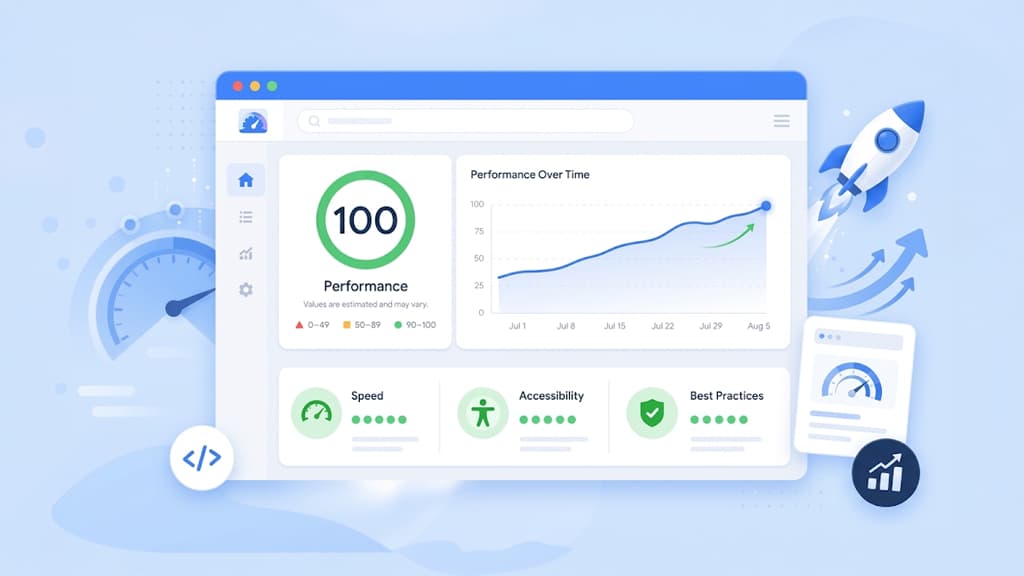
You'll see a performance score out of 100. Roughly, 90 and above is good, 50 to 89 needs work and below 50 is poor. Don't panic if your score is low, as most small business sites score lower than their owners expect. Underneath, you'll find the measurements Google cares about most:
- Largest Contentful Paint (LCP): how long the main content takes to appear. Aim for 2.5 seconds or less.
- Interaction to Next Paint (INP): how quickly the page responds when someone taps or clicks. Aim for 200 milliseconds or less.
- Cumulative Layout Shift (CLS): how much the page jumps around as it loads, the thing that makes you tap the wrong button. Aim for 0.1 or less.
If you see a section showing data from real users, that's Google's view of how your site performs for actual visitors, and it's what counts for search.
The most common reasons small business sites are slow
- Huge images, often straight off a phone or camera, at many times the size they need to be.
- Too many plugins, each adding its own code to every page.
- Heavy themes and page builders that load features you never use.
- Chat widgets, review widgets, tracking scripts and social feeds loading from other companies' servers.
- Background videos that start playing before anything else.
- Cheap, overloaded hosting that's slow to respond.
Quick wins you can try
- Resize and compress your images before uploading them, and use a modern format such as WebP.
- Remove plugins, widgets and scripts you don't really need.
- Swap a background video for a still image, at least on phones.
- Ask your host whether you're on the right plan, and whether caching is switched on.
These can make a real difference, but if the site is built on a heavy theme or a pile of plugins, there's a limit to how far quick fixes will take you.
When it's time for a faster site
Sometimes the honest answer is that the site was never built to be fast. That's why I build on Next.js, which only sends each page what it needs and serves pages almost instantly. On PageSpeed Insights' desktop test, Belmont House Care Home scores 98 for performance and South Devon Carpet Clean scores 100. Mobile scores always come out lower, because the test simulates a slower phone and connection, so when you compare sites, compare desktop with desktop and mobile with mobile. If you're wondering how that compares with WordPress, I've written up WordPress vs Next.js for small businesses.
Speed is also part of SEO. As part of my SEO service, I look at speed alongside everything else that helps Google understand your business and rank it for the searches that matter in Torbay. And if you need a new site, every one I build is made to load fast on a phone from day one.
If you're in Torquay, Paignton, Brixham or anywhere in Devon and want to know what's slowing your site down, get in touch and I'll take a look.